> For the complete documentation index, see [llms.txt](https://docs.upay.ink/help/llms.txt). Markdown versions of documentation pages are available by appending `.md` to page URLs; this page is available as [Markdown](https://docs.upay.ink/help/howtouse/receiving-address.md).
# Receive Wallet Address
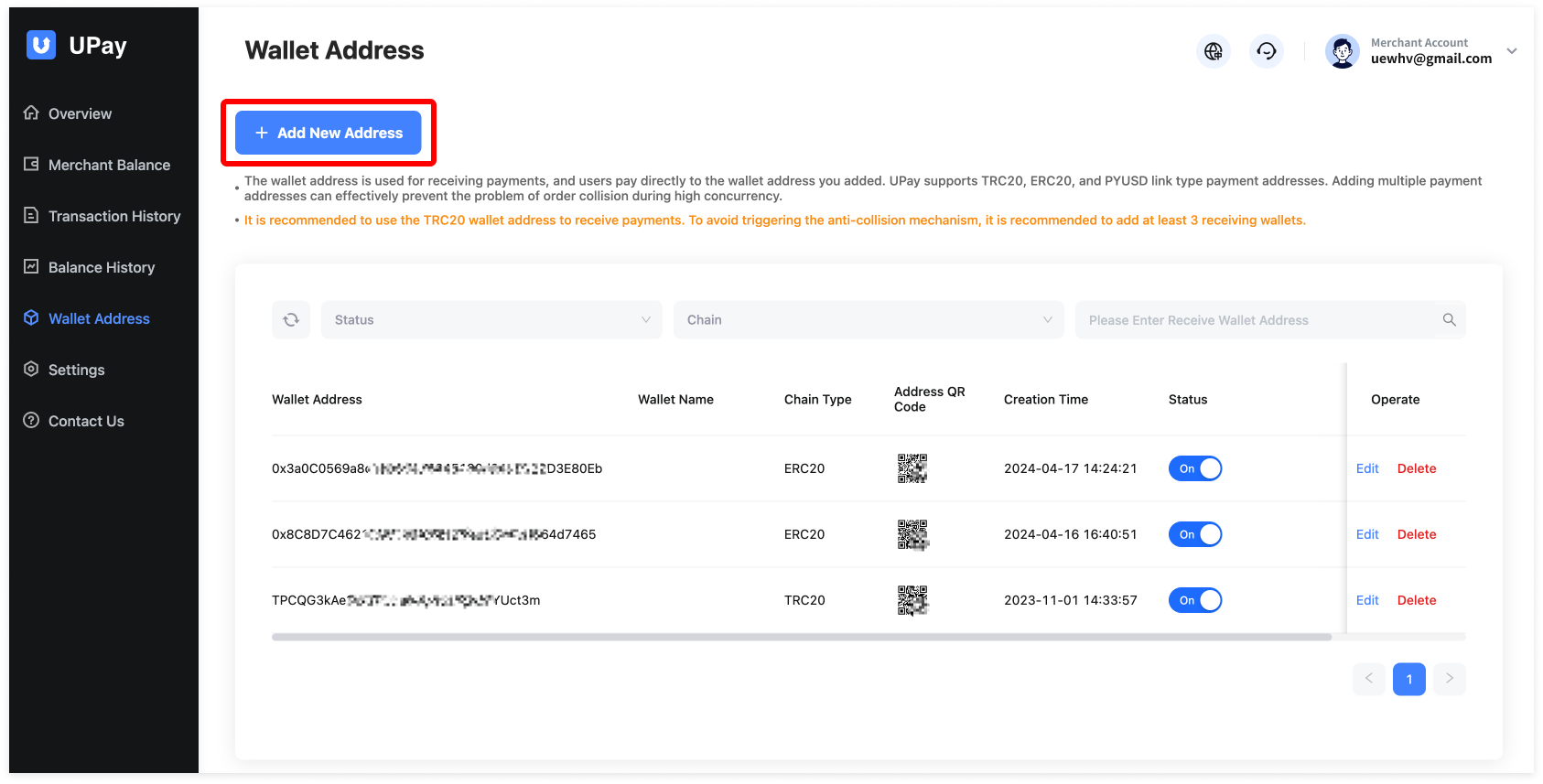
You can add multiple receiving wallet addresses. The wallet address supports TRC20 and ERC20. When users pay, your wallet address will be directly displayed.
{% hint style="info" %}
1. It is recommended to use the TRC20 wallet address to receive payments. To prevent duplicate orders, please add 3 to 5 wallet addresses.
2. If the receiving wallet address is no longer used, please disable or delete the wallet.
{% endhint %}
### Add payment wallet address:
1. Click \[Wallet Address] on the left menu, and then click the \[Add New Address] button to open the add pop-up window.
2. Enter your receiving wallet address, select the link type (TRC20, ERC20), enter the confirmation password/Google verification code, and click the \[Confirm Add] button to complete the addition.